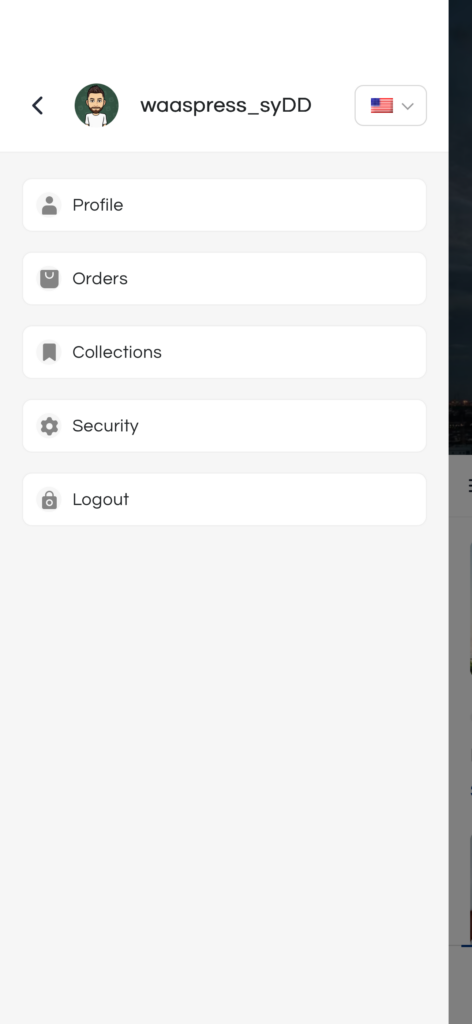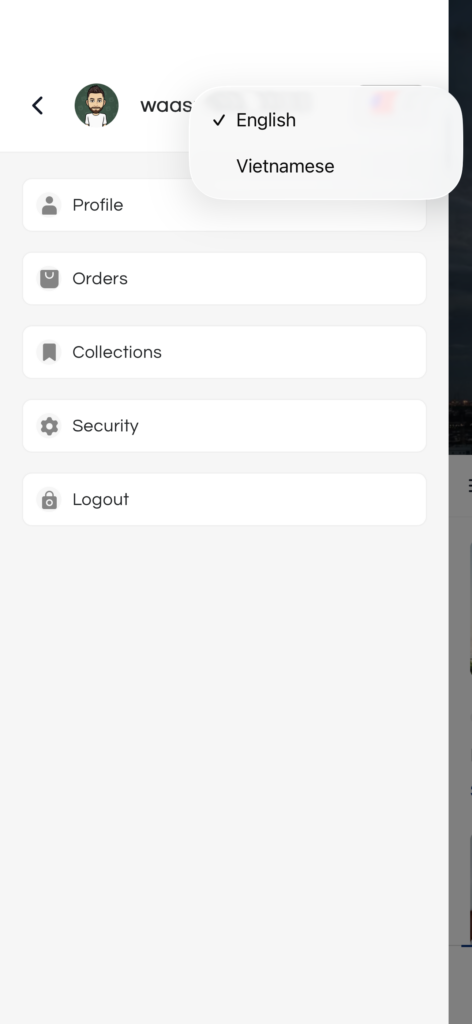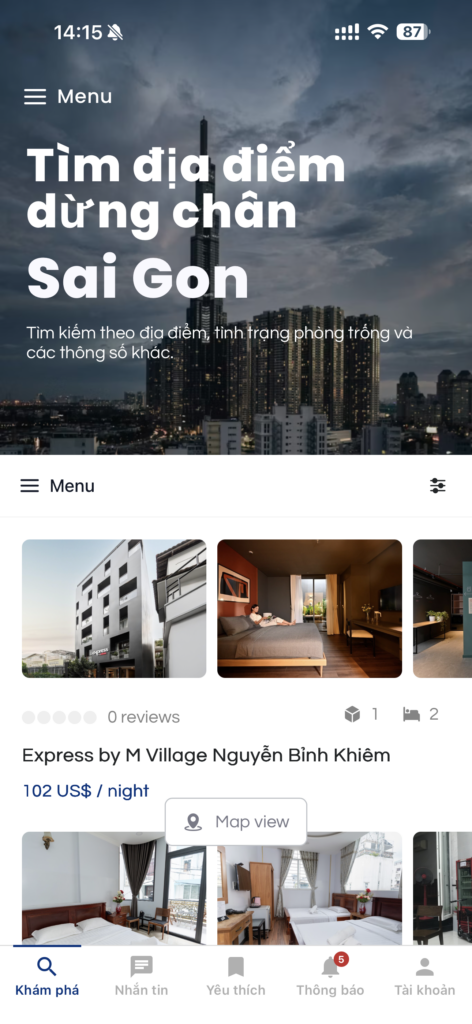
Appress integrates with TranslatePress to let you build a fully multilingual mobile app powered by your existing WordPress translations. Once the integration is enabled, your app will automatically render the correct language whenever the user switches languages inside the app.
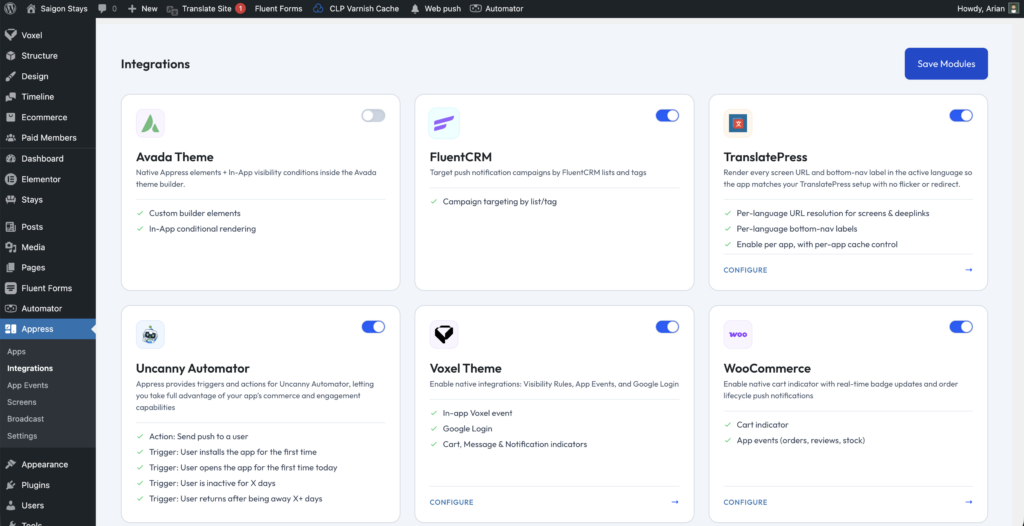
1. Enable the TranslatePress integration
Go to Appress → Integrations and switch TranslatePress to On. Enter the translated strings for the Bottom Navigation items, then click Clear cache to push the new strings to the app.
2. Add a language switcher to your app layout
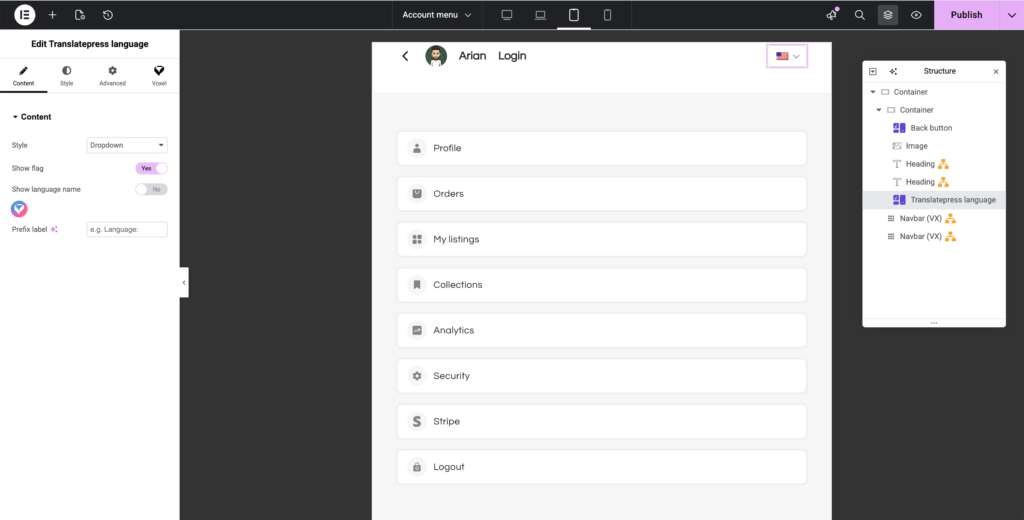
How to add TranslatePress Language Switcher widget to your app
That’s it
Your app will now automatically render in the correct language whenever the user switches languages from the switcher.