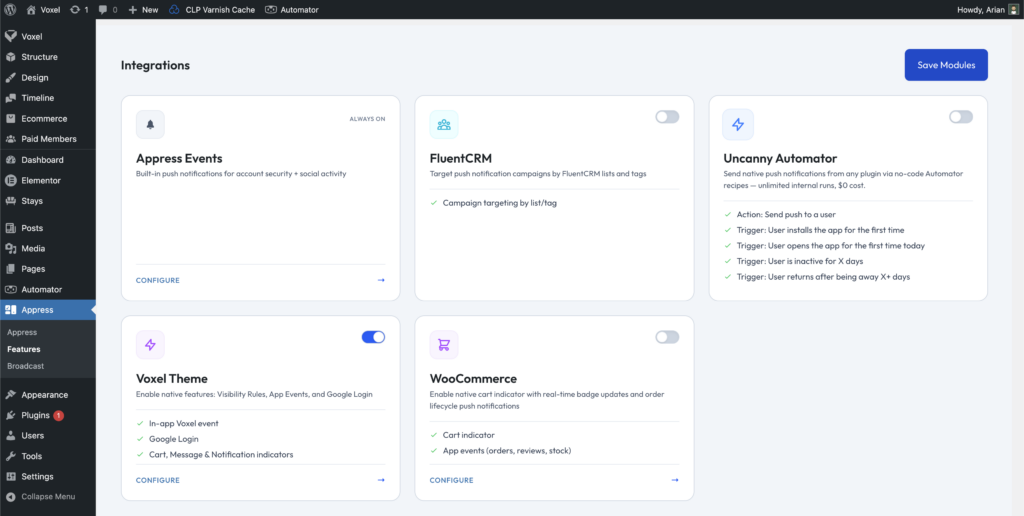
Appress integrates with the Voxel theme to turn your Voxel site into a fully functional native app.
Login with Google
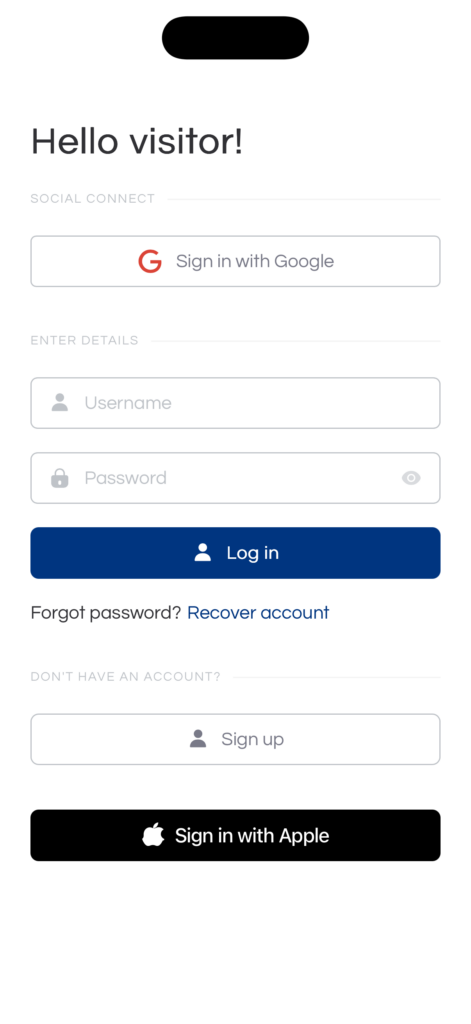
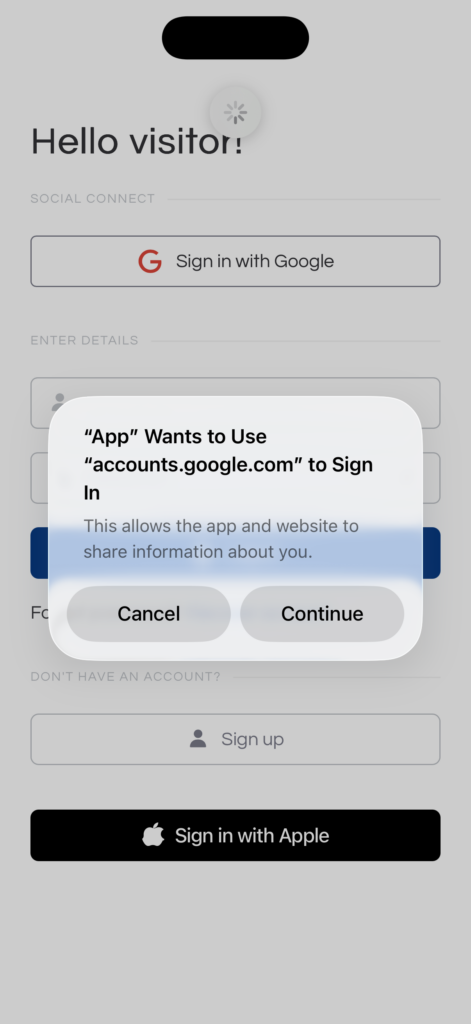
When the Voxel integration is enabled, users can sign in through Voxel’s Sign in with Google button using native Google login. To enable this feature, you’ll need to turn on Google login in your Firebase settings — see the Firebase Configuration step under Build Information.
Notifications & app events
When the Voxel theme integration is enabled, Appress automatically integrates with Voxel notifications, displaying them in the Appress notification UI. App events are also pushed to the mobile app through Firebase.
Indicators
Appress mobile apps support indicators on the bottom navigation to display counts for cart items and notifications in your app’s UI. When the Voxel integration is enabled, indicators for Voxel Messages and Voxel Cart become available, and the notification indicator automatically syncs with Voxel notifications indicator.
Visibility conditions
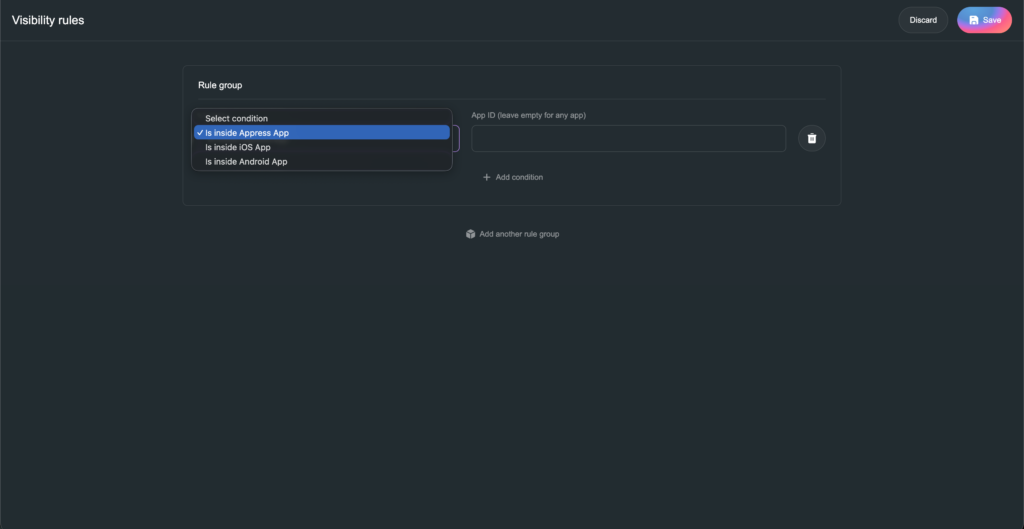
Appress supports visibility conditions that let admins show or hide elements when they’re displayed in the app — on both iPhone and Android.