
When a layout is rendered inside the mobile app, content at the top will be covered by the device’s status bar unless space is reserved for it. There are several ways to fix this — one approach is to insert a Status Bar widget at the very top of your web layout. When the layout is rendered normally in a browser, nothing changes; but when rendered inside the mobile app, it automatically adds whitespace equal to the status bar height, preventing the content from being hidden behind the status bar.
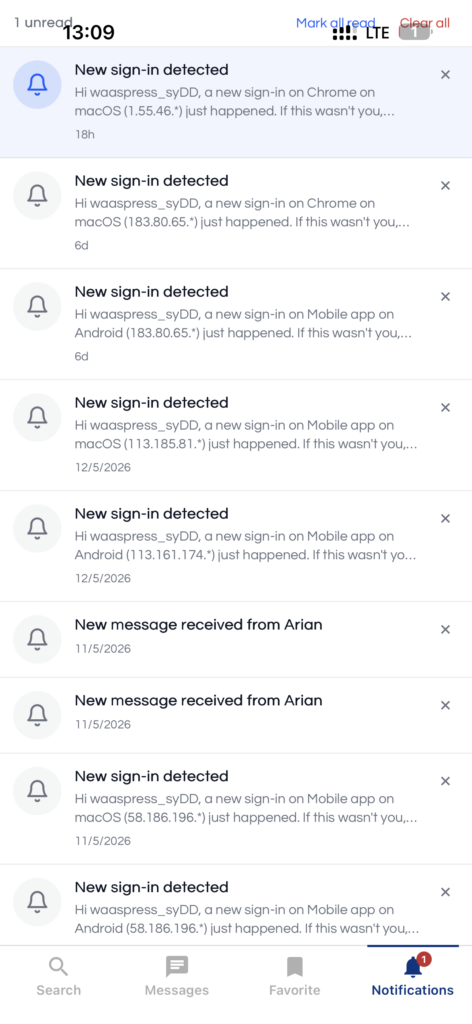
You can render this Appress widget using any of the following methods:
1. Shortcode
Use the [appress_status_bar_height] shortcode. Supported attributes:
class(string) — extra class(es) applied to the root element.
2. Elementor builder
Drag and drop the Appress Status Bar widget into your layout.
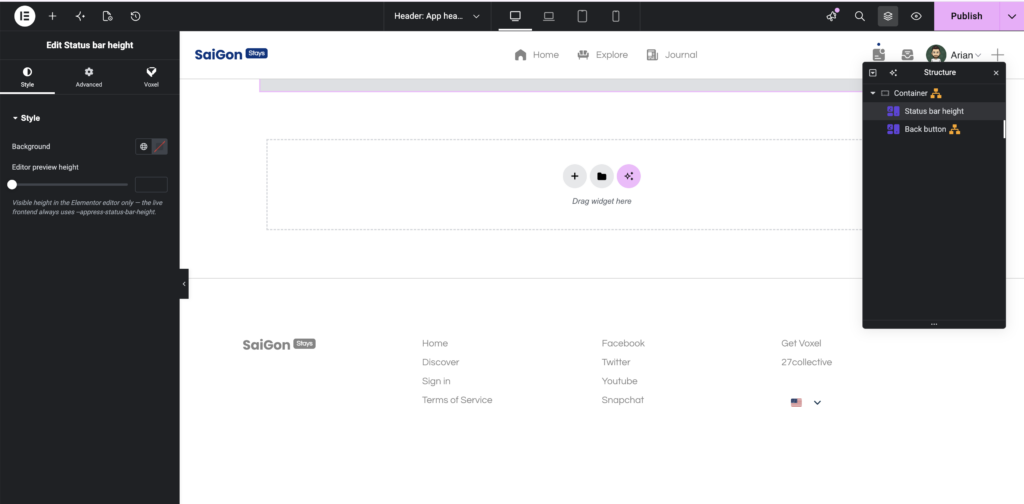
3. Bricks builder
Use the Appress Status Bar element.
4. Avada builder
Use the Appress Status Bar element.