
Sign in with QR Code and Scan QR Code are two companion widgets that together enable the Sign in with QR Code feature in your app. Both widgets support shortcodes, Elementor, and Bricks builder.
Use shortcodes
[appress_qr_login] — displays a button that opens a popup containing the QR code. Supported attributes:
label(string) — button labelstyle(dark | light) — color variantshape(round | square) — corner radiusclass(string) — extra wrapper class(es)
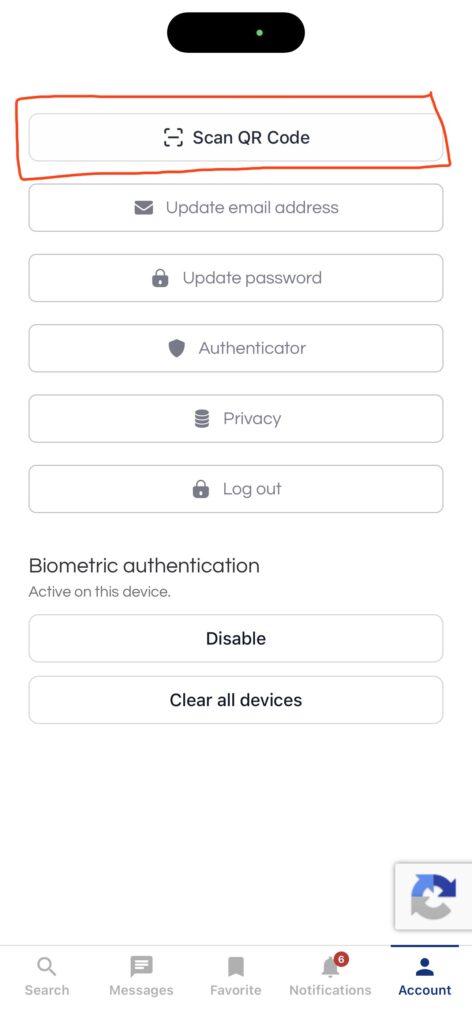
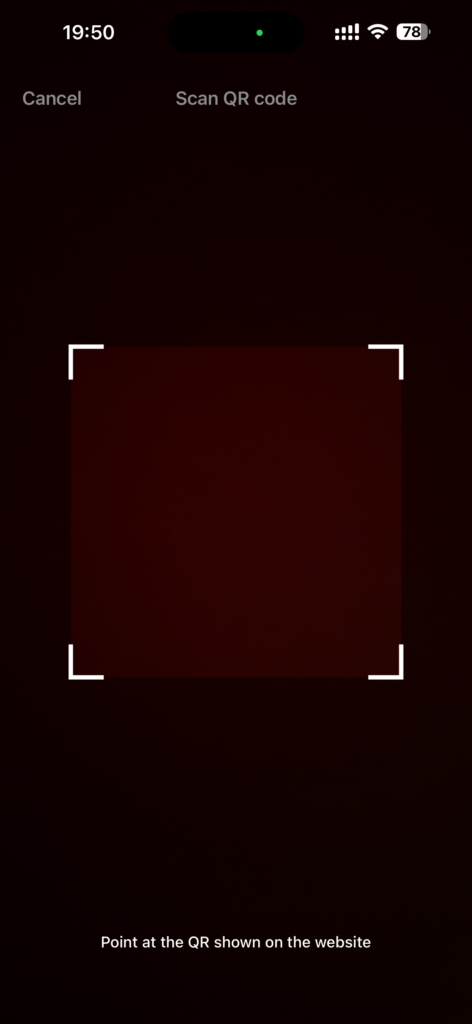
[appress_qr_scanner] — displays a button that launches the QR scanner inside the app. Supported attributes:
label(string) — button labelstyle(dark | light) — color variantshape(round | square) — corner radiusclass(string) — extra wrapper class(es)
Use the widgets in Elementor builder
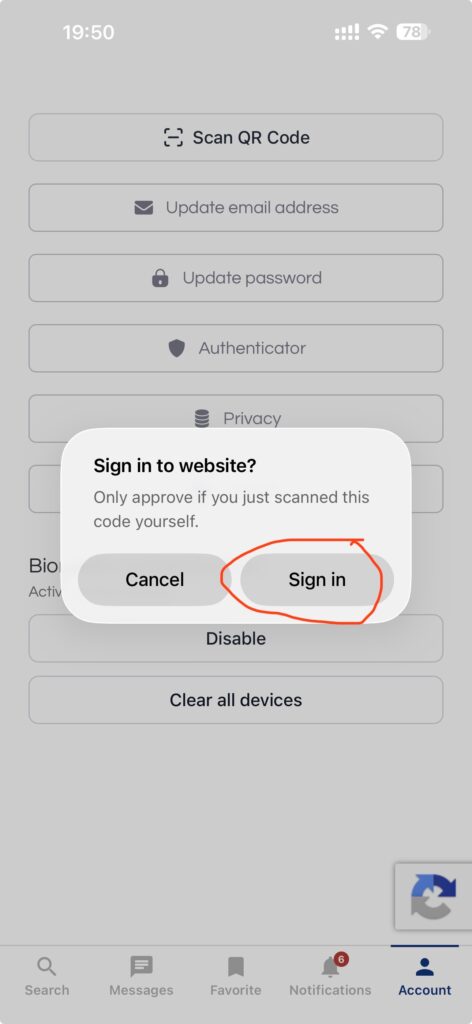
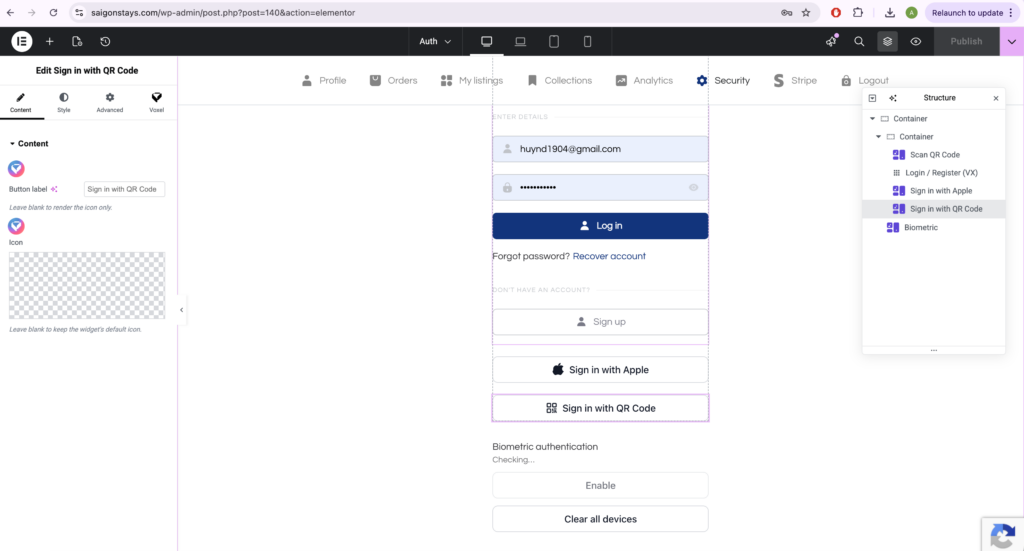
Place the Scan QR Code button somewhere in your app layout. When users tap this button, it will launch the QR code scanner so they can scan a code to sign in.
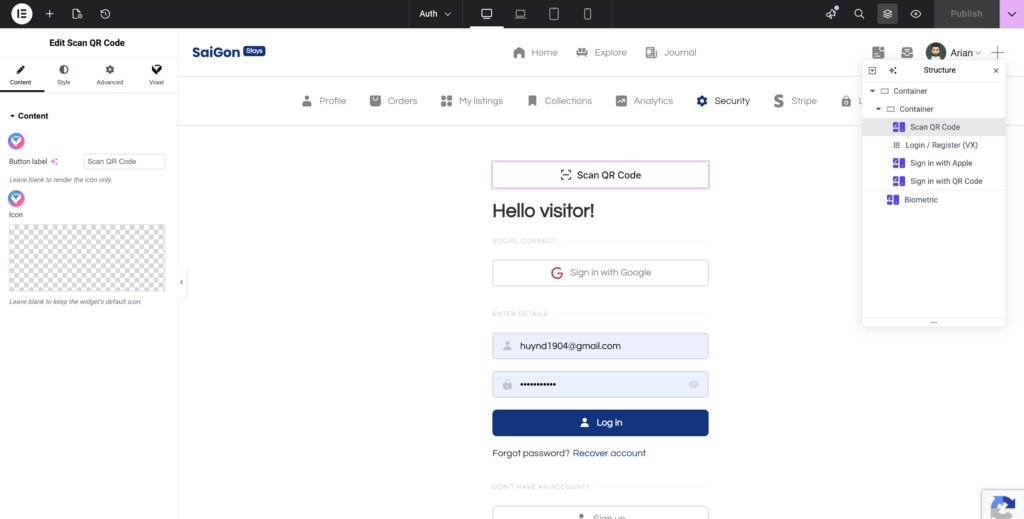
Place a Sign in with QR Code button in your website layout for users who aren’t logged in yet. When clicked, it opens a popup displaying the QR code that the app user can scan to sign them in.
Use the elements in Bricks builder
Add the Appress QR Login and QR Scanner elements to your layout.