This feature lets a logged-in app user scan a QR code shown on a website — or on another device that isn’t logged in yet — to instantly grant login access to that web session or device.
How to enable
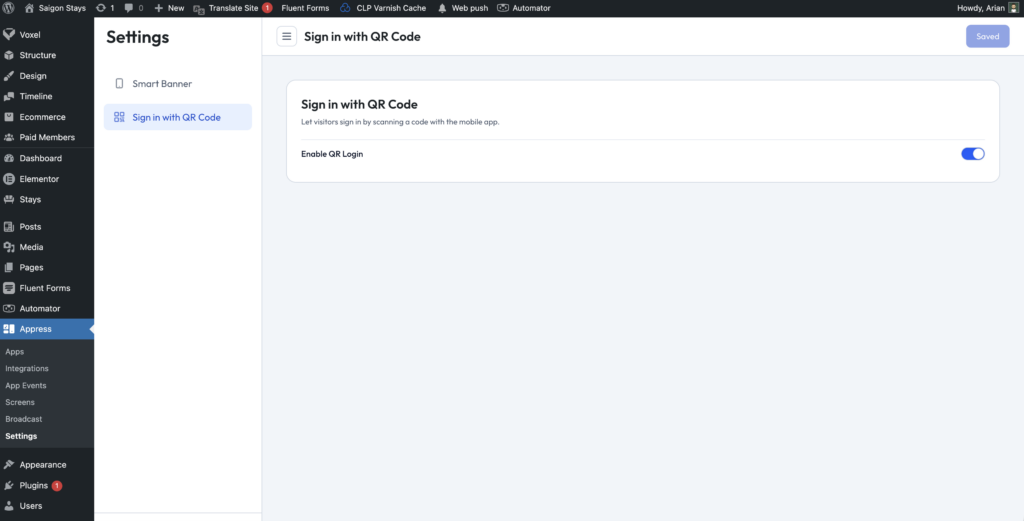
Go to Appress → Settings → Sign in with QR Code and toggle Sign in with QR Code on.
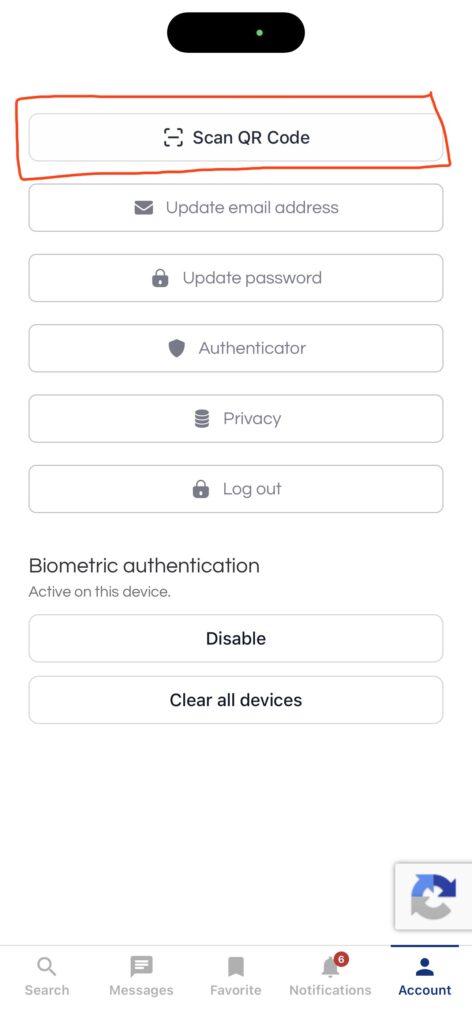
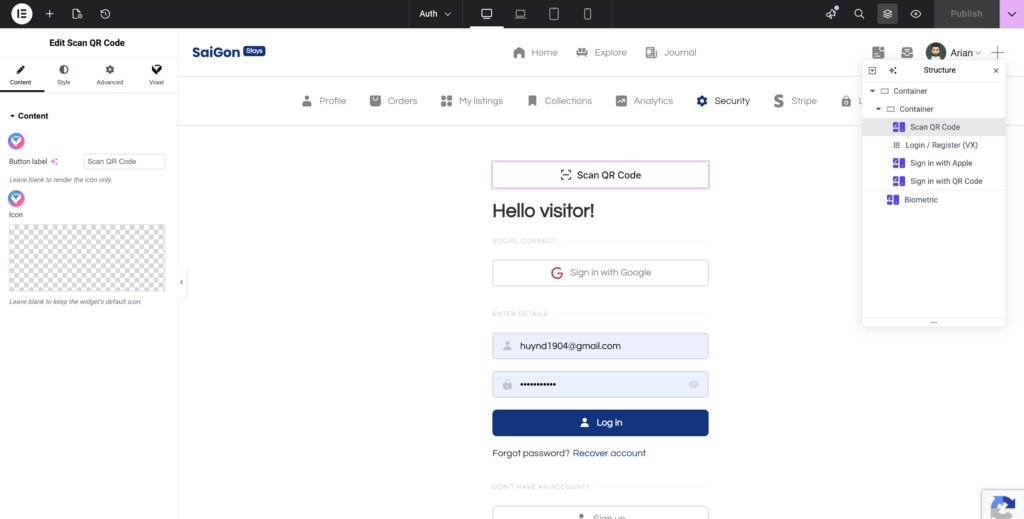
Place the Scan QR Code button somewhere in your app layout. When users tap this button, it will launch the QR code scanner so they can scan a code to sign in.
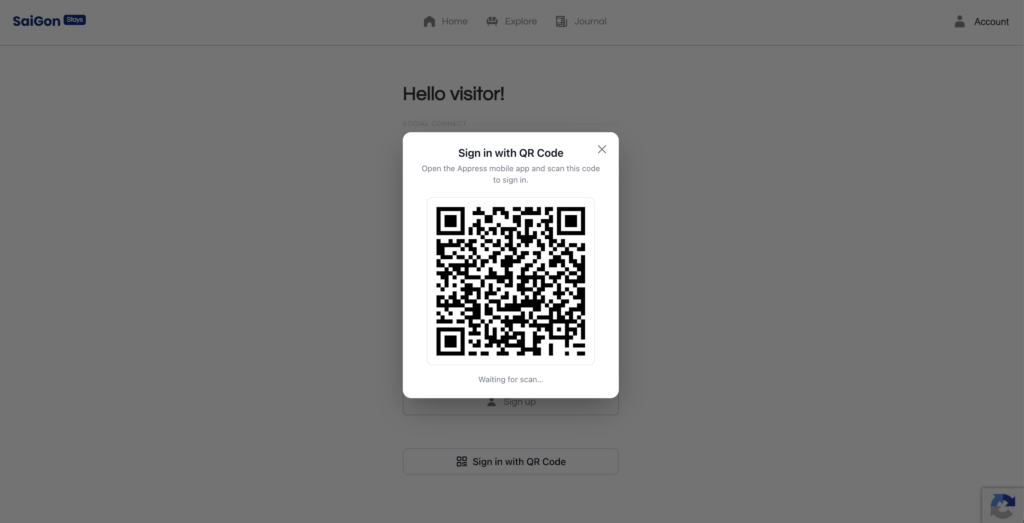
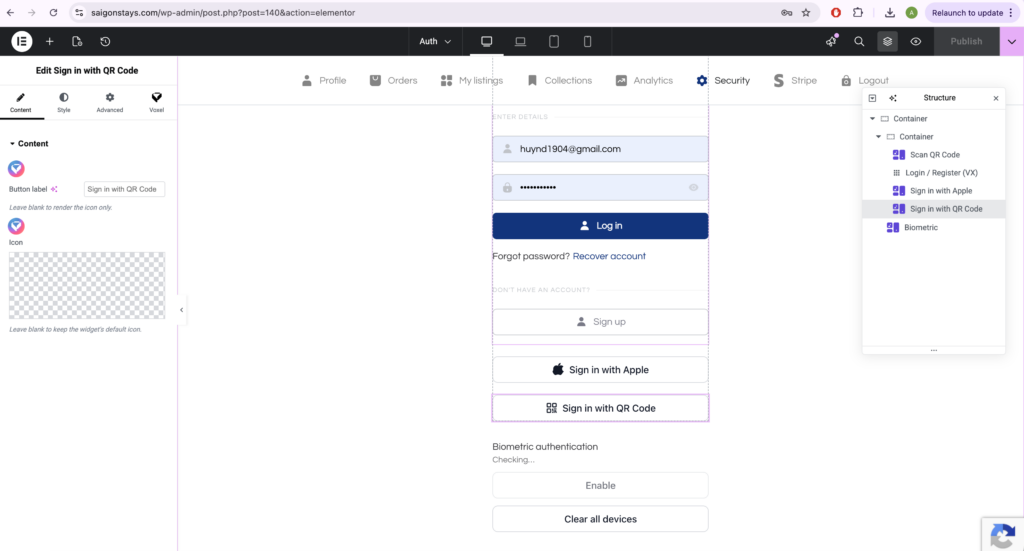
Place a Sign in with QR Code button in your website layout for users who aren’t logged in yet. When clicked, it opens a popup displaying the QR code that the app user can scan to sign them in.
User flow
- On the website (or an app that isn’t logged in), the user clicks the Sign in with QR Code button to display the QR code.
- On another device, the user opens the app they’re already logged into and taps the Scan QR Code button.
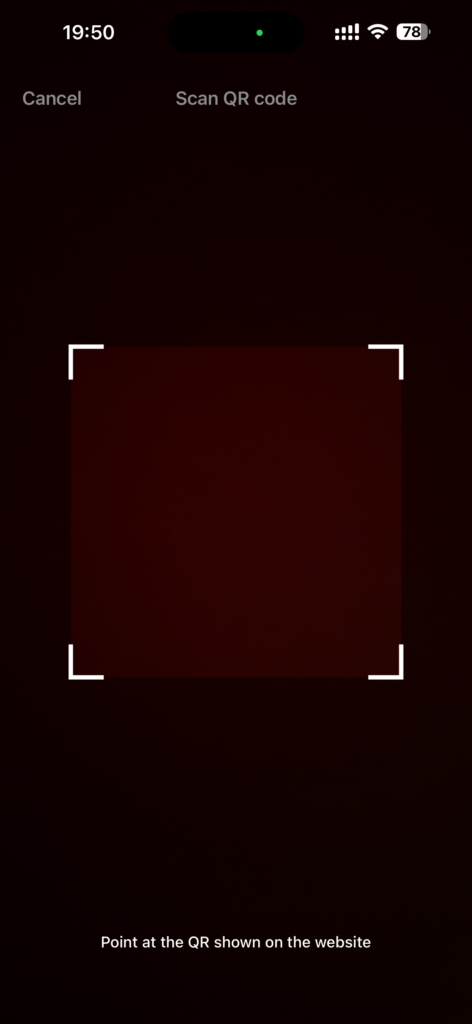
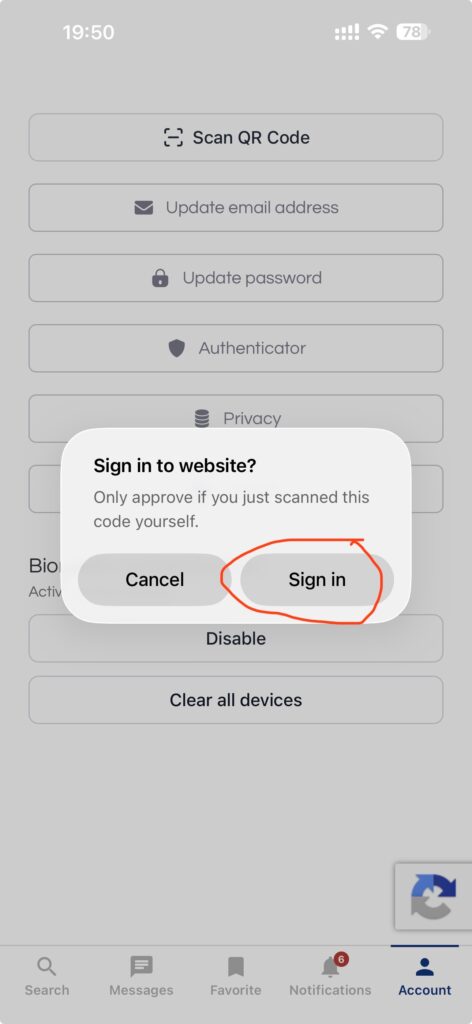
- They scan the QR code and tap Confirm to authorize the login.
Once confirmed, the website or second app is instantly signed in with the same account.